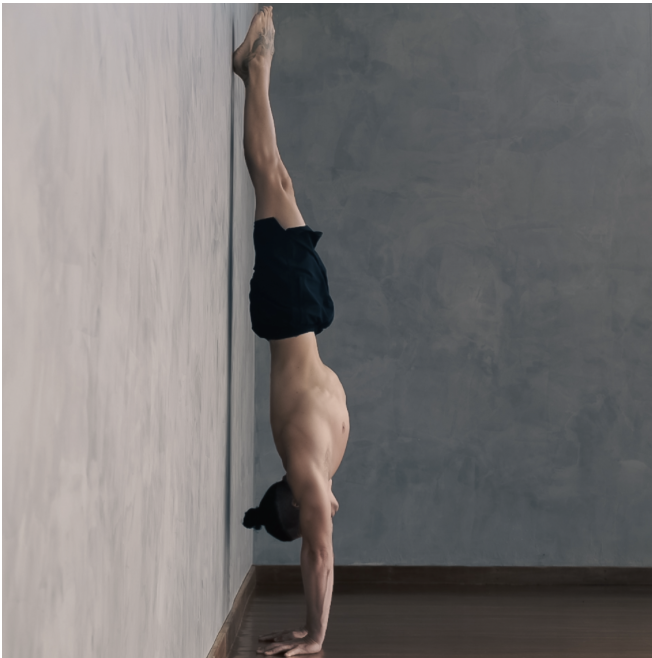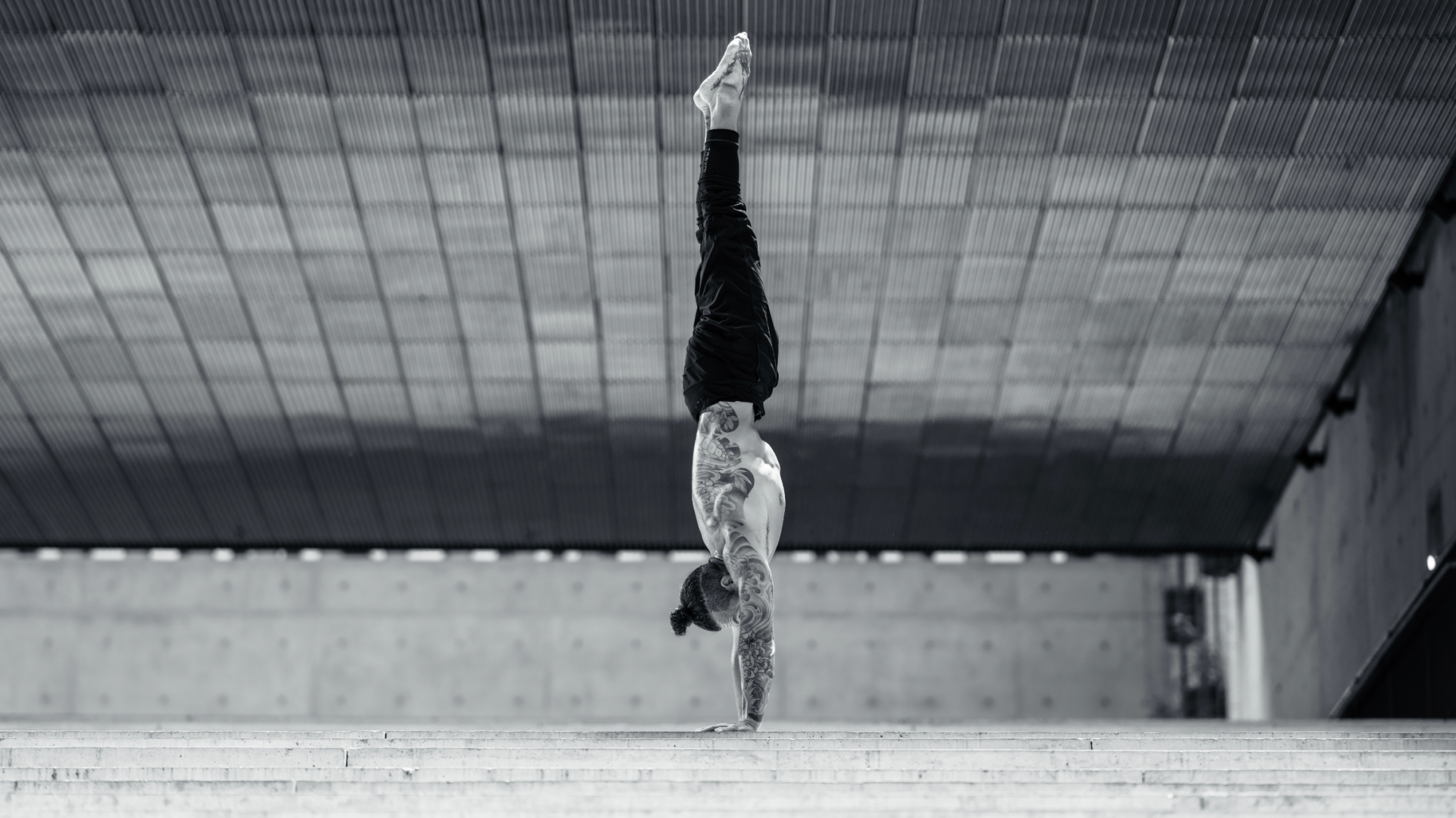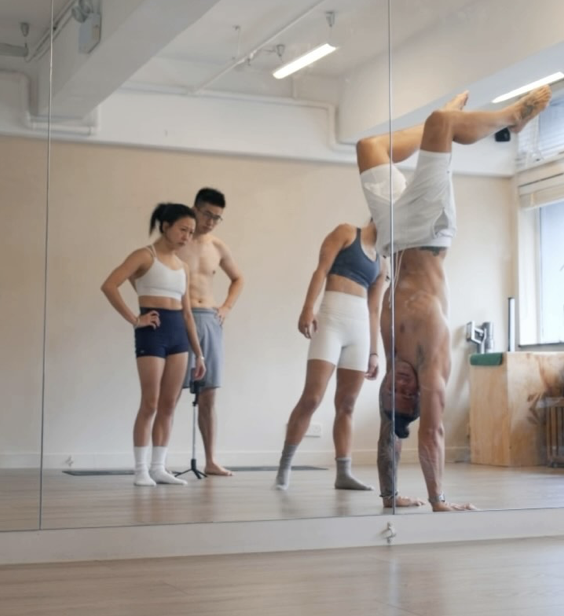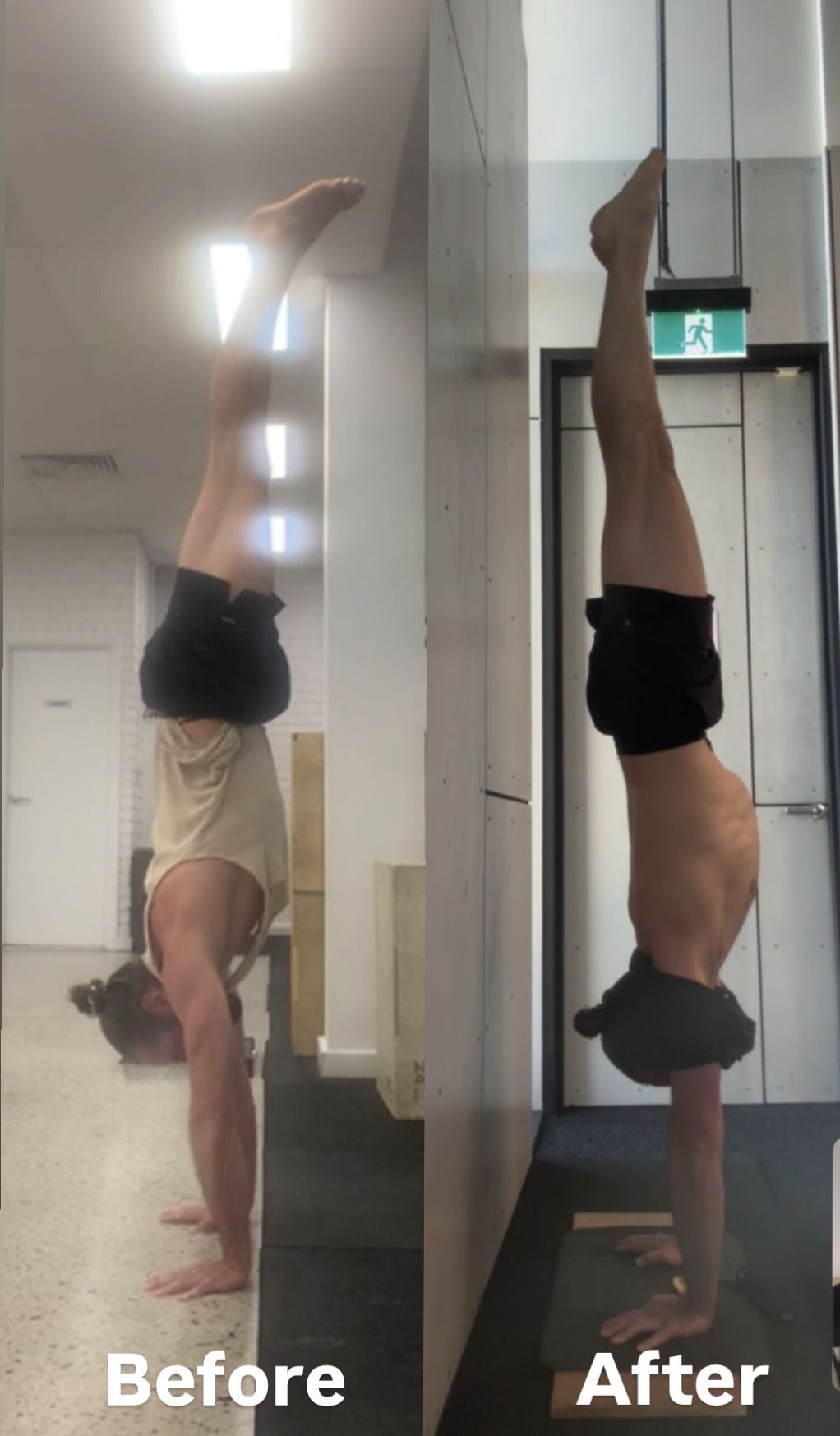
High Standards.Simple Steps.

the AoH Method · since 2011 · by Miguel Sant'ana
1,000+
Students
35+
Countries
12,000+
Teaching hours
200+
Workshops & retreats
15
Years
Find your path ↓
Miguel Sant'ana · Hong Kong
the AoH Method
01

Educationmindset

Skill over speed.

02

Activationbody awareness

Five areas on. Effort becomes structure.

03

Balancingtraining approach

Two inches, not two feet.

04

Consistencylearning order

Each step earns the next.

the Standard in action

Students of the method

real reviews · real students
Alberto
★★★★★
“It's like having access to his mind in one shot. One gem at a time — you become your own master and coach.”
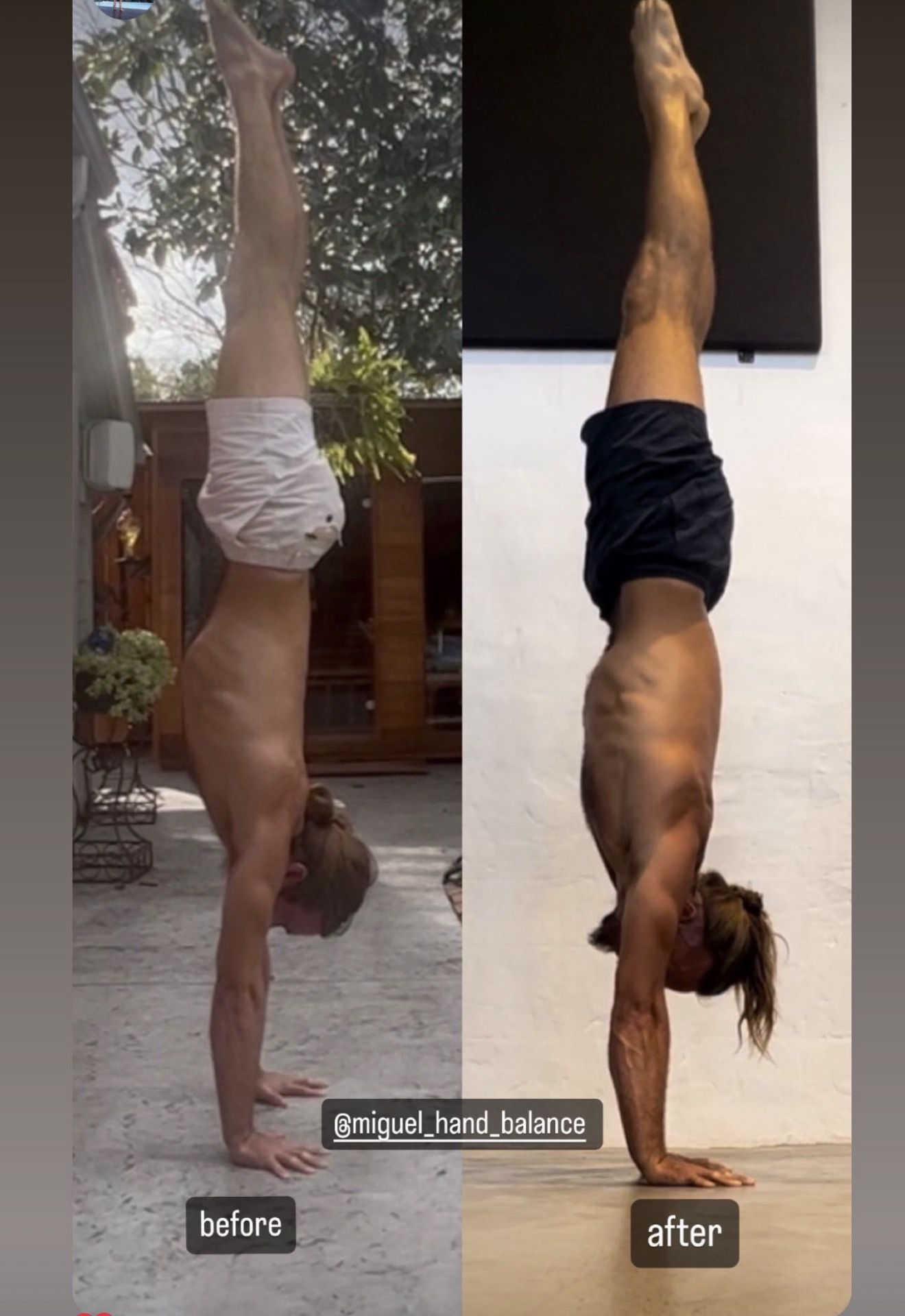
Alberto · Italy · One Arm Course student
B
★★★★★
“From 1 minute two-arm to 1 minute one-arm.”
Brendan · Australia
A
★★★★★
“Leave ego at the door. Trust — and put in the work.”
Alan · Singapore
L
★★★★★
“It teaches you how to think about your training.”
Lucas · Brazil
M
★★★★★
“He reignited my passion for handstands. His high standards push me to train with greater discipline.”
Melissa · Oman
A
★★★★★
“AoH is THE guide in the randomness of the handstand world.”
Alberto · Italy
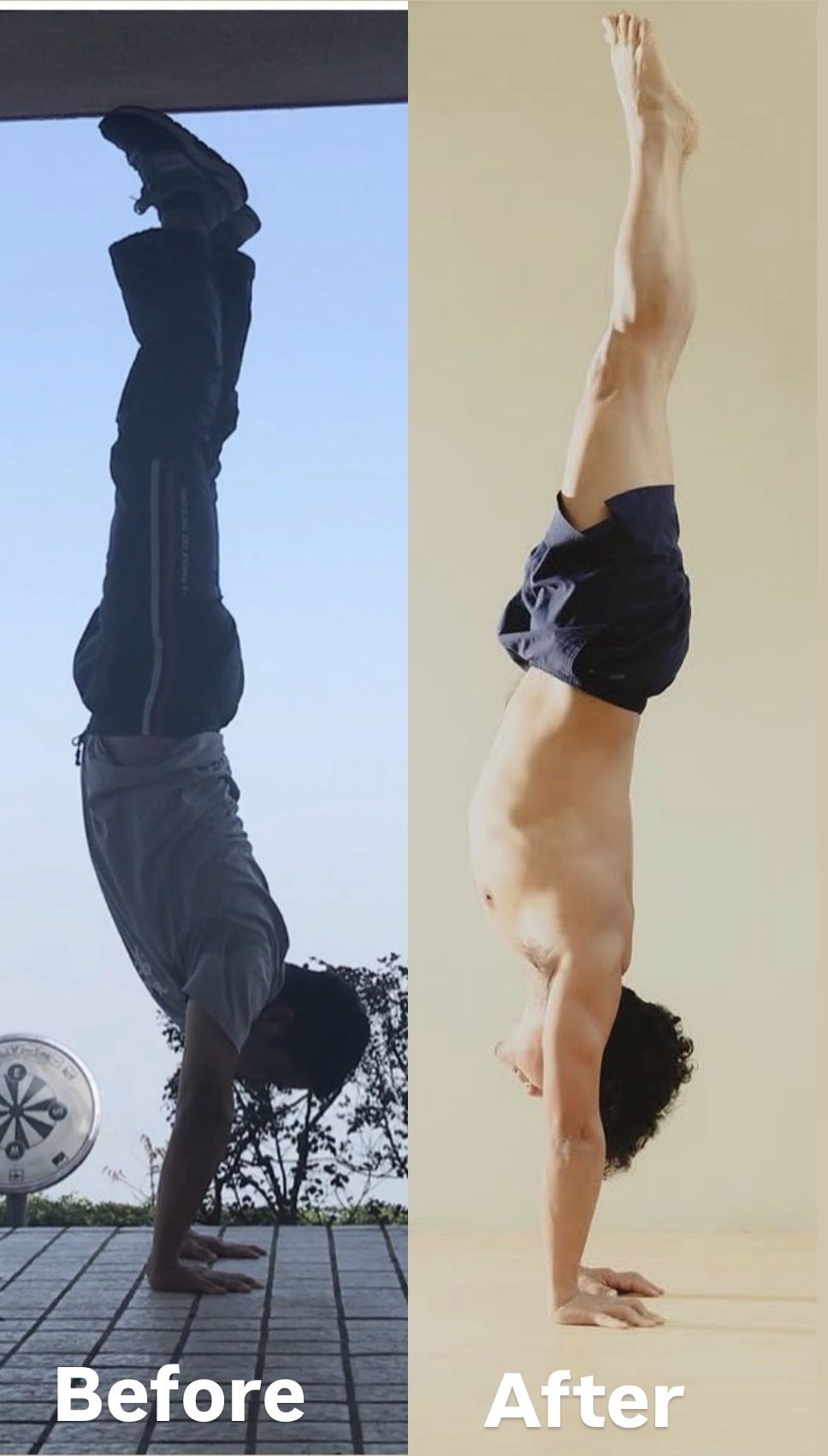
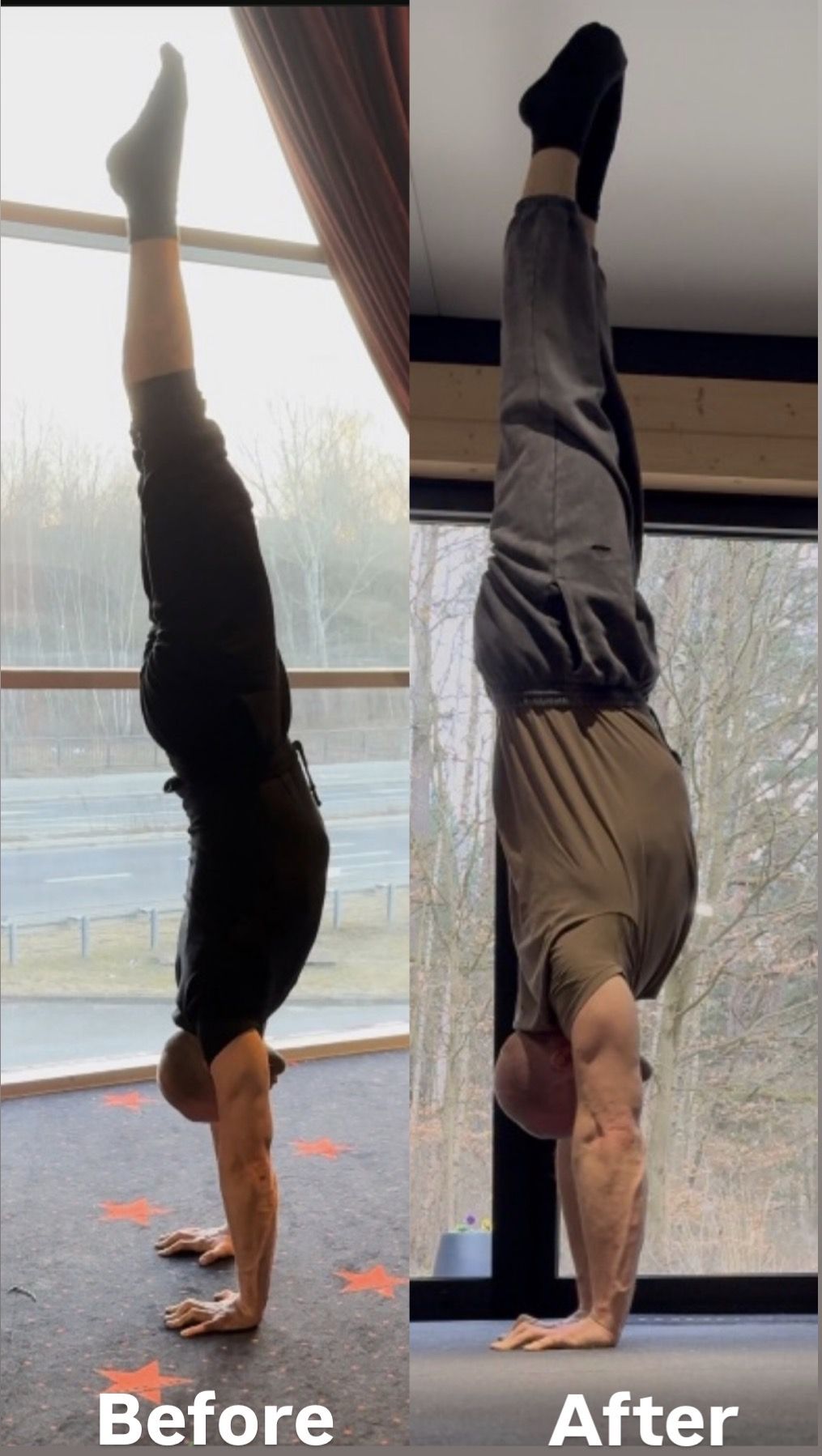
Real students · real progress
Student
Student
Student
Student
Student
Student
Student
Student
your practice, structured

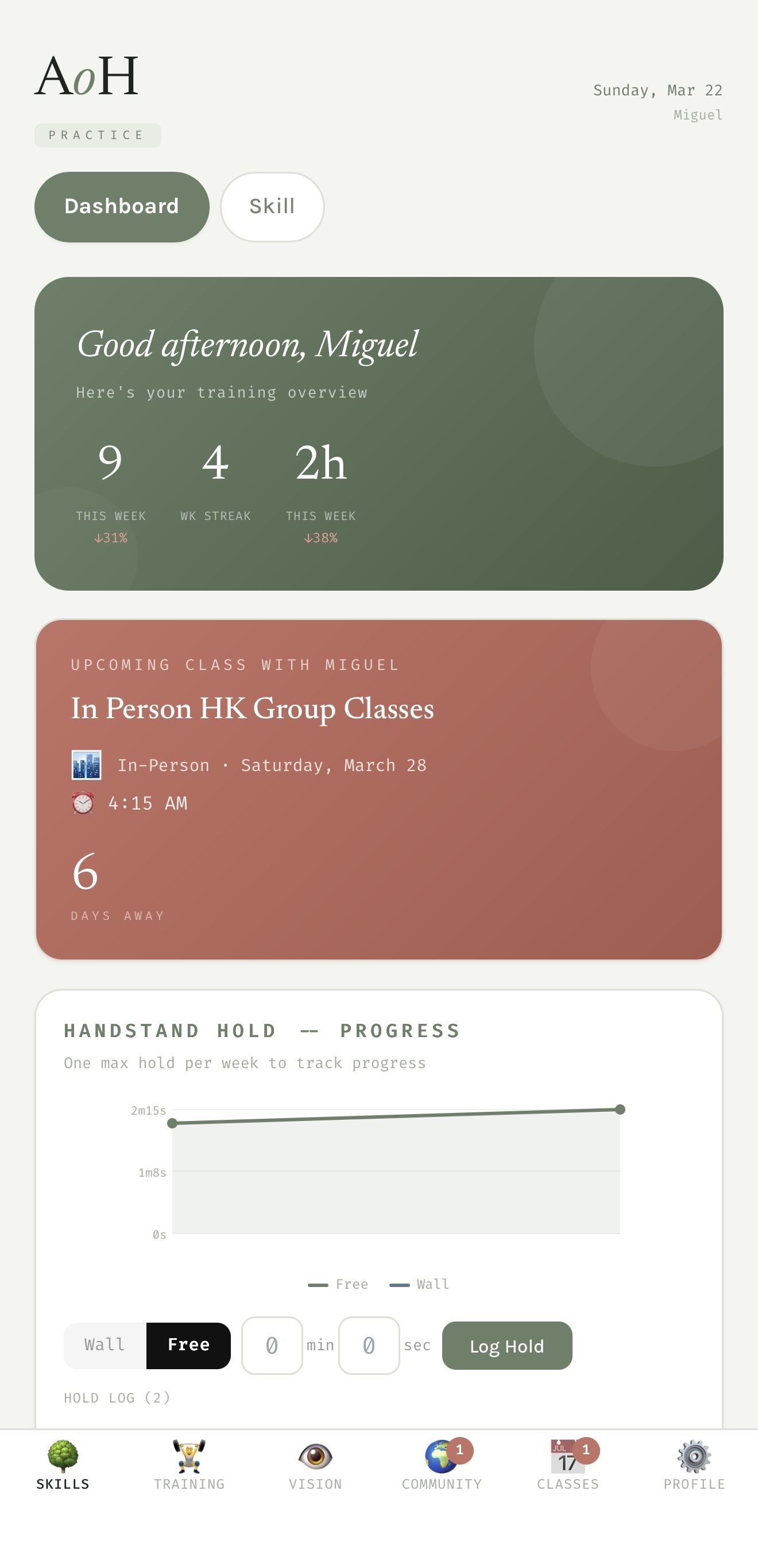
The AoH Practice App

free to start
The whole method — Levels 1 to 4, Complete, One Arm
Programs, journal, hold tracker — wall and free
Vision — film a handstand, see your alignment
Classes, credits and AoH World
AoH Practice App AoH Practice App AoH Practice App
Miguel Sant'ana
the one behind the method

Miguel Sant'ana

Hong Kong · teaching since 2011

It started in an Auckland living room in 2011, after a video convinced me there had to be a better way to learn this than copying shapes. Fifteen years later the answer is the same: a handstand is built, not caught.

Everything I teach was fixed on my own body first, then refined across 1,000+ students in 35+ countries — and written down properly in the AoH Teacher Training Manual, so the people who teach it teach it the same way.

“The slower you guide the student, the faster their progress will be.”

Learn it. Activate it. Stabilise it.
Then, and only then, balance.

One method. One order. Pick where you enter it.
AoH — which embed method actually shows the film?

Three ways to embed the same film
which one shows a picture?

Same video, g0ovdn195x, three different embed methods. Open this and look at all three boxes. I only need to know which ones show your handstand and which stay empty.
Why this matters. "Nothing appeared at all" has three very different causes and they need opposite fixes: the file URLs being refused, Wistia's script being stripped by LearnWorlds, or my code hiding the player. Each box below tests exactly one of those, so whichever works tells me what to build.

Method 1 · Direct file URL

a plain video tag pointed at Wistia's internal file

This is what the homepage used first. If this box is empty, Wistia is refusing to serve the file to outside pages.

checking…

Method 2 · Wistia's script embed

E-v1.js + wistia_async div — what the homepage uses now

This is the version I just gave you. If this box is empty here but the third one works, the problem is the script, and LearnWorlds may be stripping it out of the block.

look at the box — does it show the handstand?

Method 3 · Wistia iframe

no script at all — the most bulletproof option

An iframe can't be stripped or blocked the way a script can. If only this one works, I rebuild the section around it. The trade is that scroll control becomes harder — the film would simply play itself through once when you reach the section.

look at the box — does it show the handstand?
Tell me one line back: which boxes showed your handstand — 1, 2, 3, some, or none?
  1. Only 3 works → LearnWorlds is stripping the script, or blocking it. I rebuild on the iframe.
  2. 2 and 3 work here but not in LearnWorlds → it's LW's sanitiser. Same answer: iframe.
  3. All three work here → the files and embeds are fine, and the bug is in my scroll code hiding the player. I fix the code.
  4. None work → something is blocking Wistia on your machine entirely — an ad blocker or a privacy extension is the usual cause. Worth trying a private window.
Write your awesome label here.
Created with